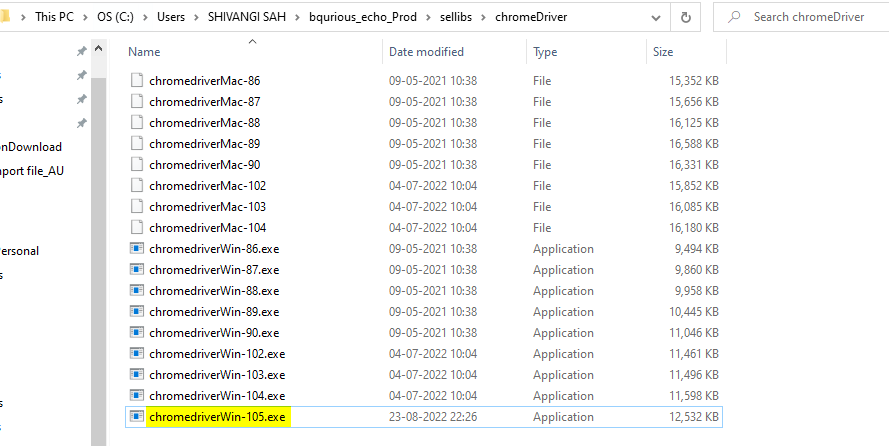
Adding new Chrome Driver to client
If launchApp fails with the below mentioned error. Follow below mentioned steps to fix this.
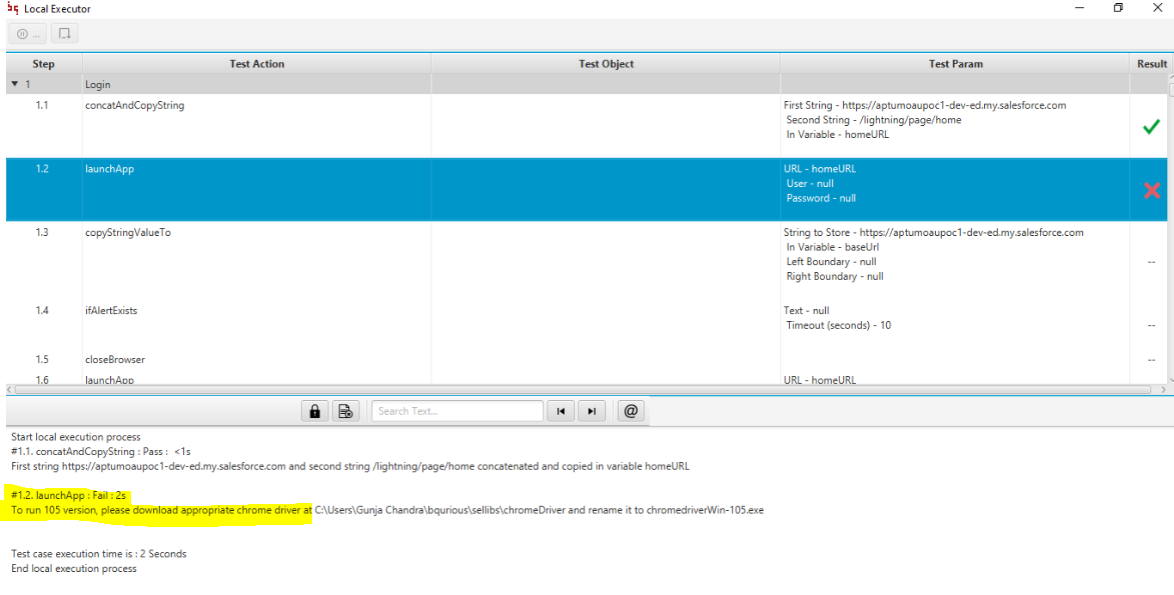
Launch <https://chromedriver.storage.googleapis.com/index.html>
Download the latest driver for the required version
Extract the file (if required) and copy the .exe file
Navigate to the client installed folder bqurious > sellibs > chromeDriver
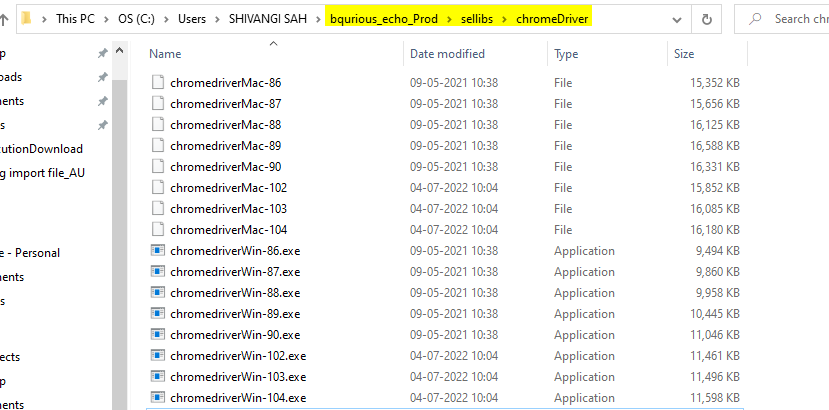
Paste the file in the sellibs folder and rename it to chromedriverWin-xxx.exe or chromedriverWin-xxx (check how its being displayed in other driver files in your machine)