
Uninstalling the previously installed client correctly
Pre-requisite
- BqClient should not be running.
Navigate to the client installed folder and double click on Uninstall_Genie or Uninstall_Genie.jar file
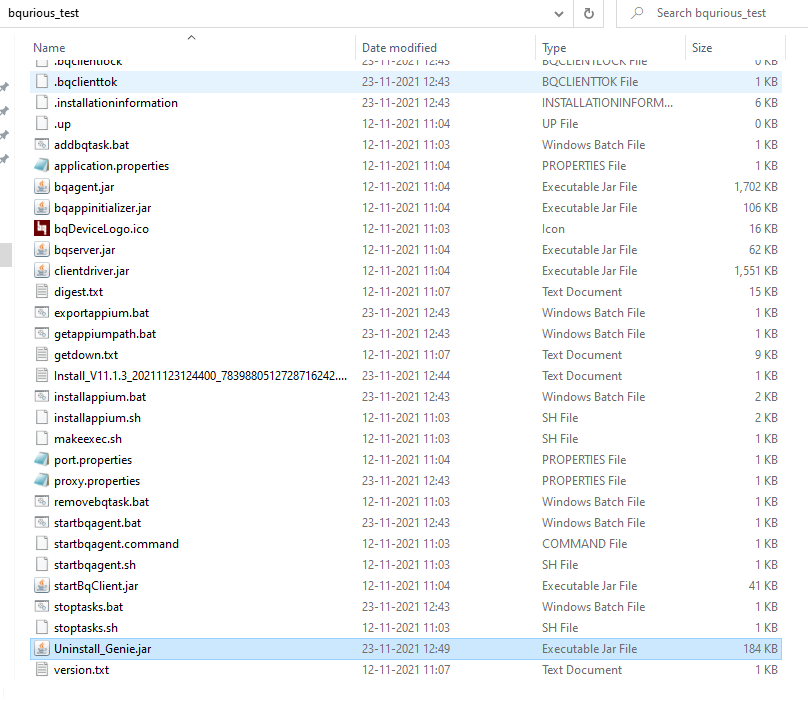
On the below displayed window, select the checkbox and click on Uninstall button
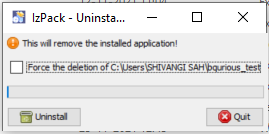
When all the files in the client installed folder are deleted, click on Quit button
Now delete the bqurious folder where client was previously installed
For Reinstalling the client, first download the latest version of client from app.bqurious.com and refer Installing a Client for installing the latest client.