How to add custom logo to pdf reports?
Bqurious allows its users to add a custom logo to the exported pdf reports.
Instructions to upload custom logo :
Login with your Bq credentials.
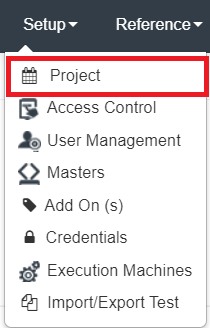
Click on Setup.

Click on Project.
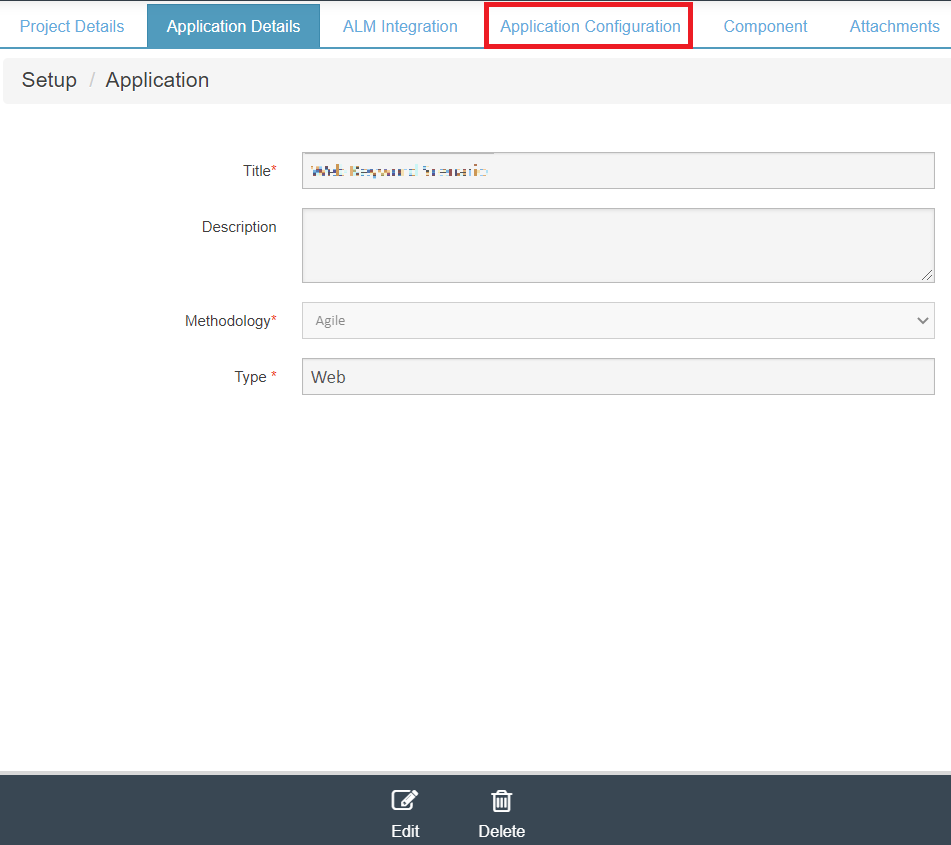
Select the desired Project and Application.
Click on Application Configuration tab.
Logo for reports field will be displayed.
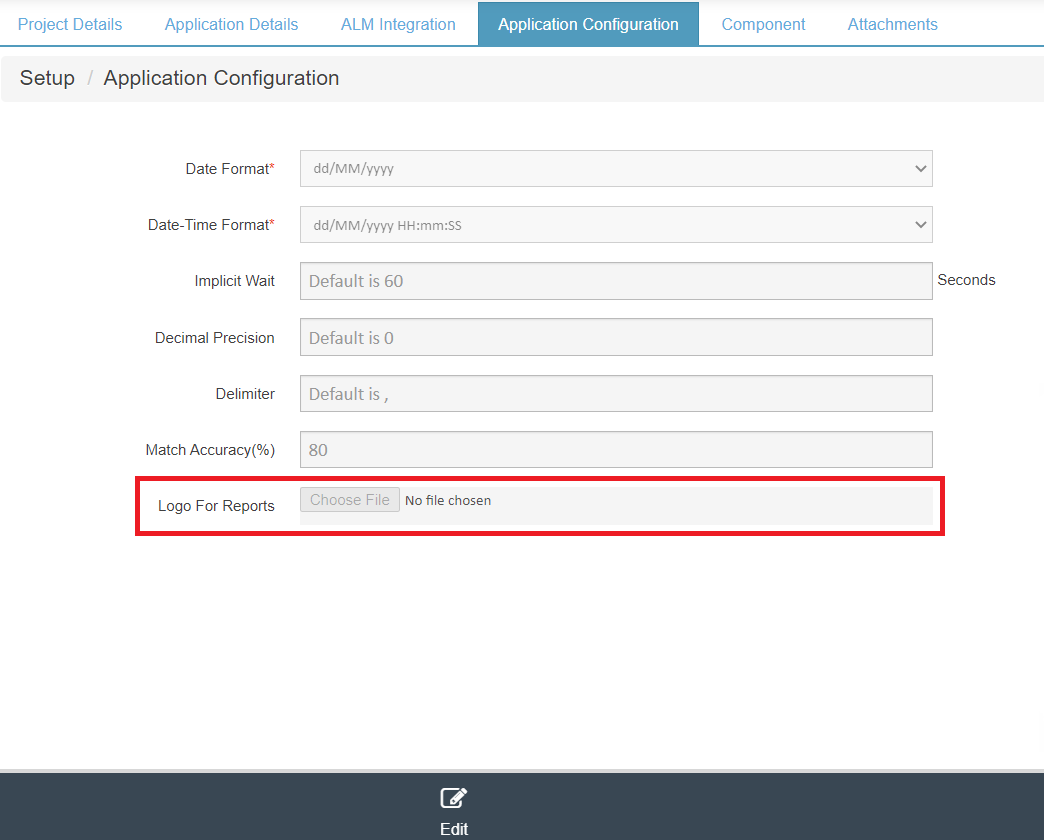
Click on Edit
Click on Choose File button.
Select the desired file and click on save.
The uploaded logo will be displayed as shown below.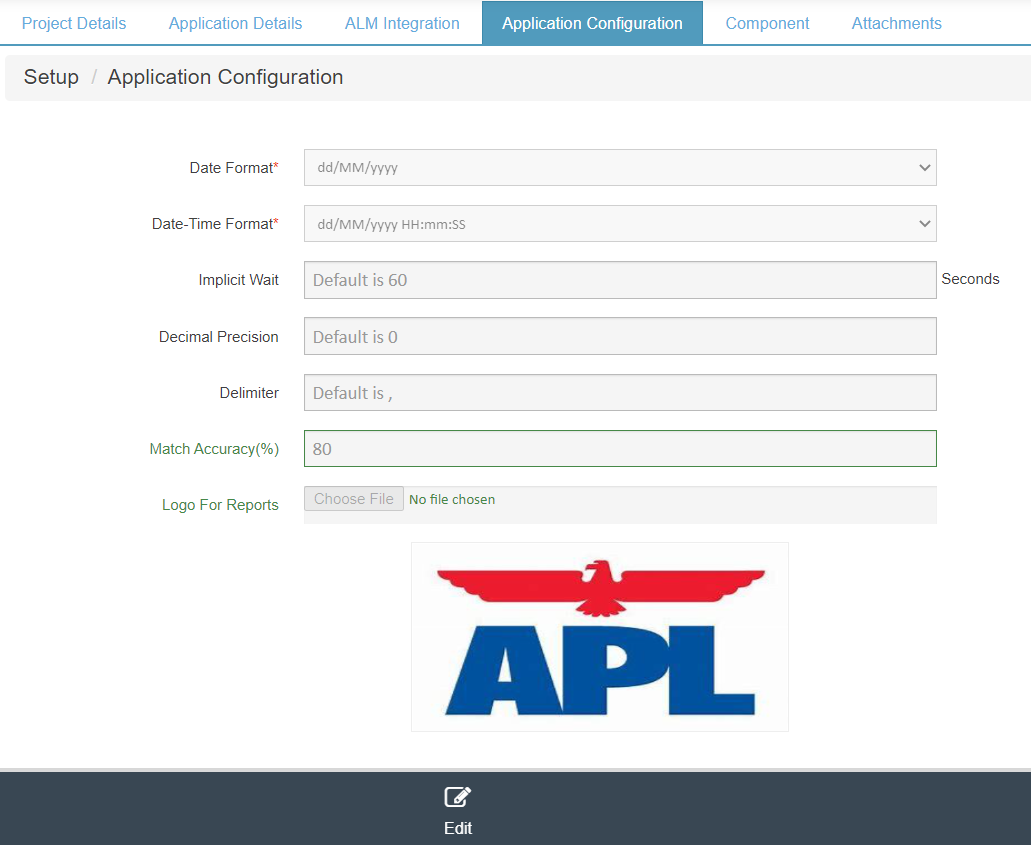
IMPORTANT
The file extensions available to upload are jpg, png and gif.
IMPORTANT
If no file is uploaded under Application Configuration, the default bqurious logo will be displayed in the reports.
NOTE
Please note that the custom logo will only be displayed in the pdf reports.
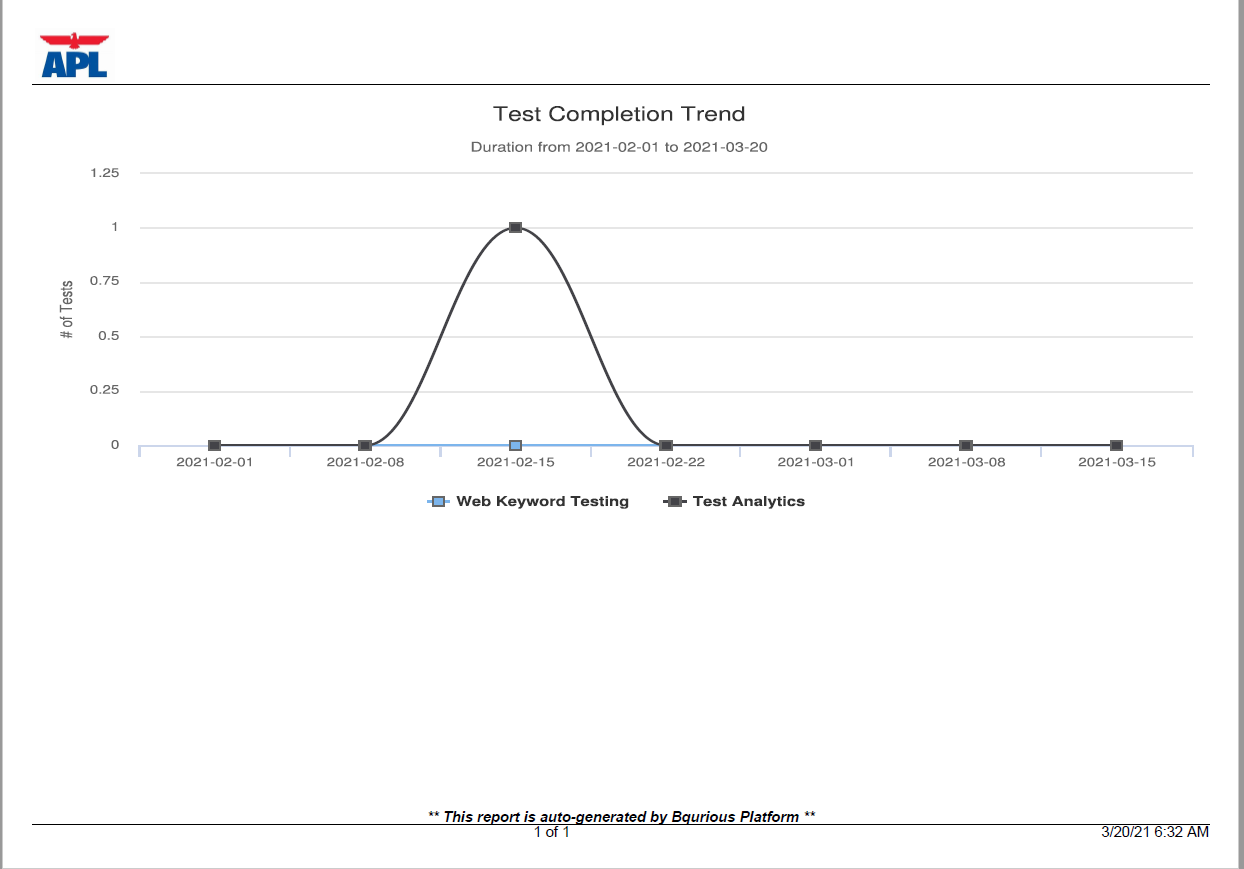
Here’s a sample report for your reference :