Application Lifecycle Management > Plan
User Story / Requirement
User Story
Prerequisites
- Before creating User Story, please ensure application must be created with Agile methodology.
- Epic must be created. Epic is the body of work that can be broken down into several user stories.
Step-by-step guide
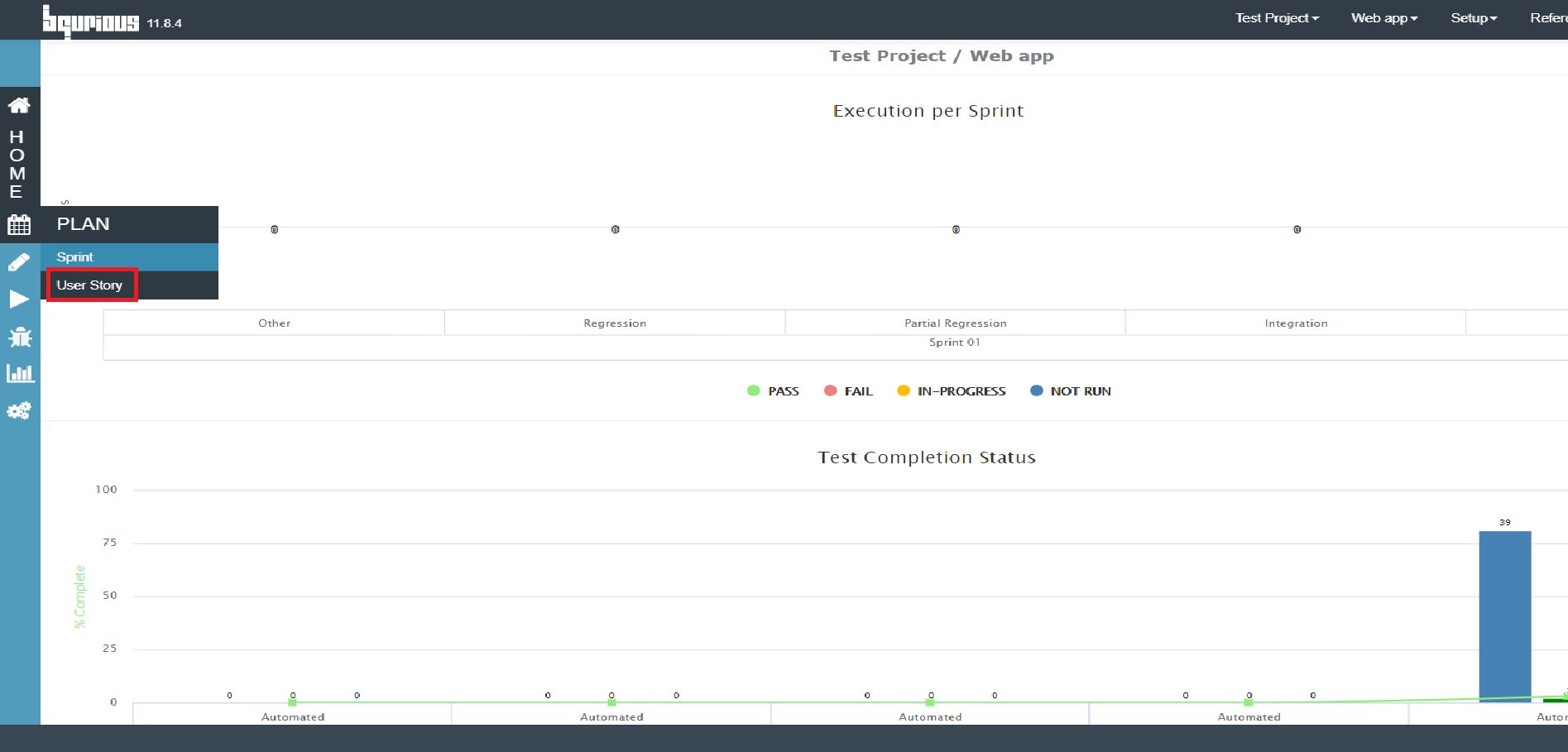
Click on Plan from left pane.
Select User Story option.
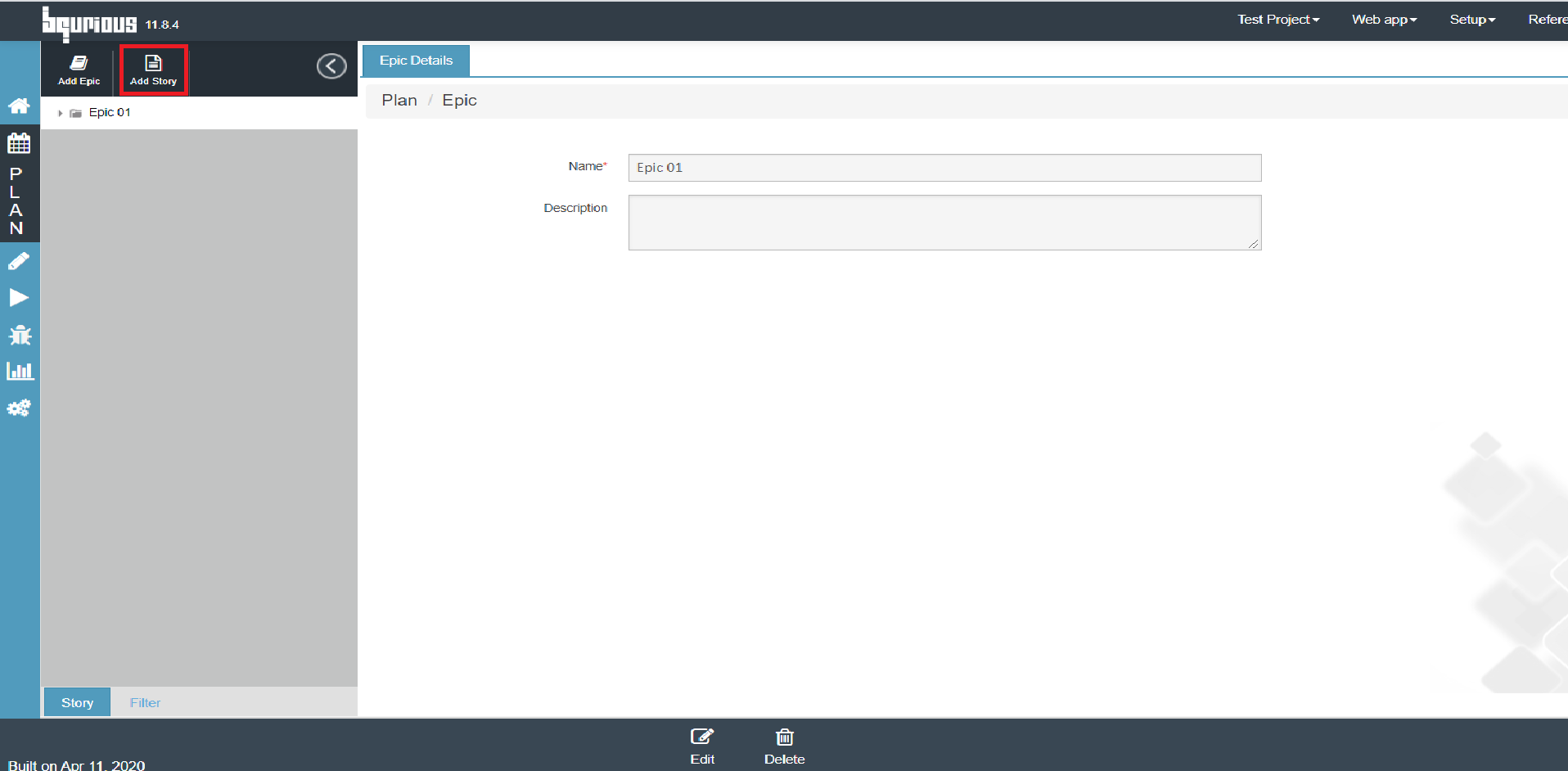
Click on Add Epic button to create a new Epic or select an existing Epic.
Click on Add Story button. User Story Details form will be displayed.
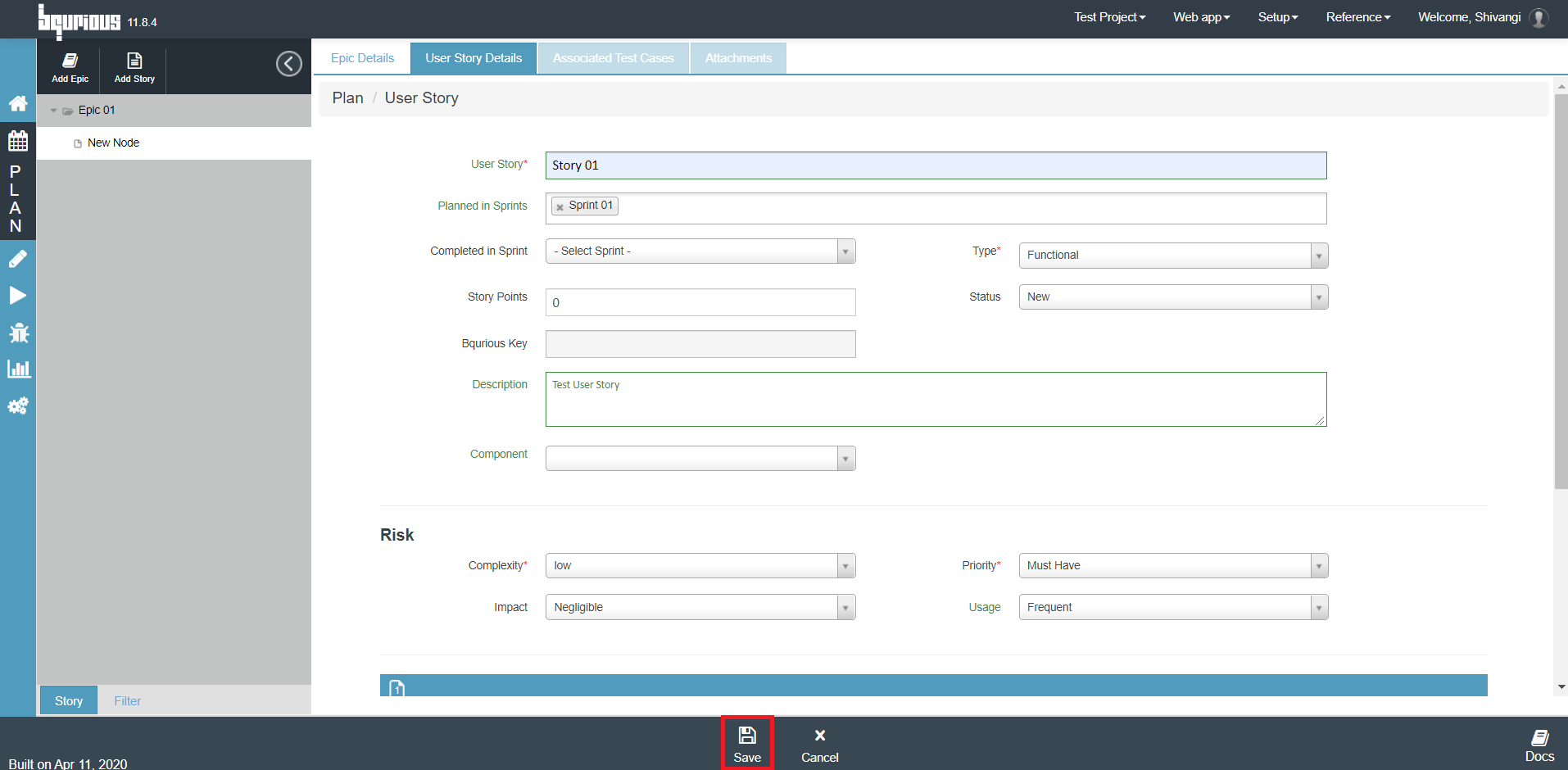
Enter the user story meta data.
- User Story title
- Select sprint from Planned in Sprint drop down in which user story is planned
- Select sprint from Completed in Sprint drop down in which the user story planned to be completed
- Select type of user story Functional / Non-functional from Type drop down
- Enter description about user story
- Define Risk
- Define As - a <role>, I Want <feature>, So That <reason> and Acceptance Criteria <Expected>
Click on Save button.
Requirement
Prerequisites
- Before creating a Requirement, please ensure application must be created with Waterfall methodology.
- Release must be created. Release is the body of work that can be broken down into several requirements.
Step-by-step guide
Click on Plan from left pane.
Select Requirement option.
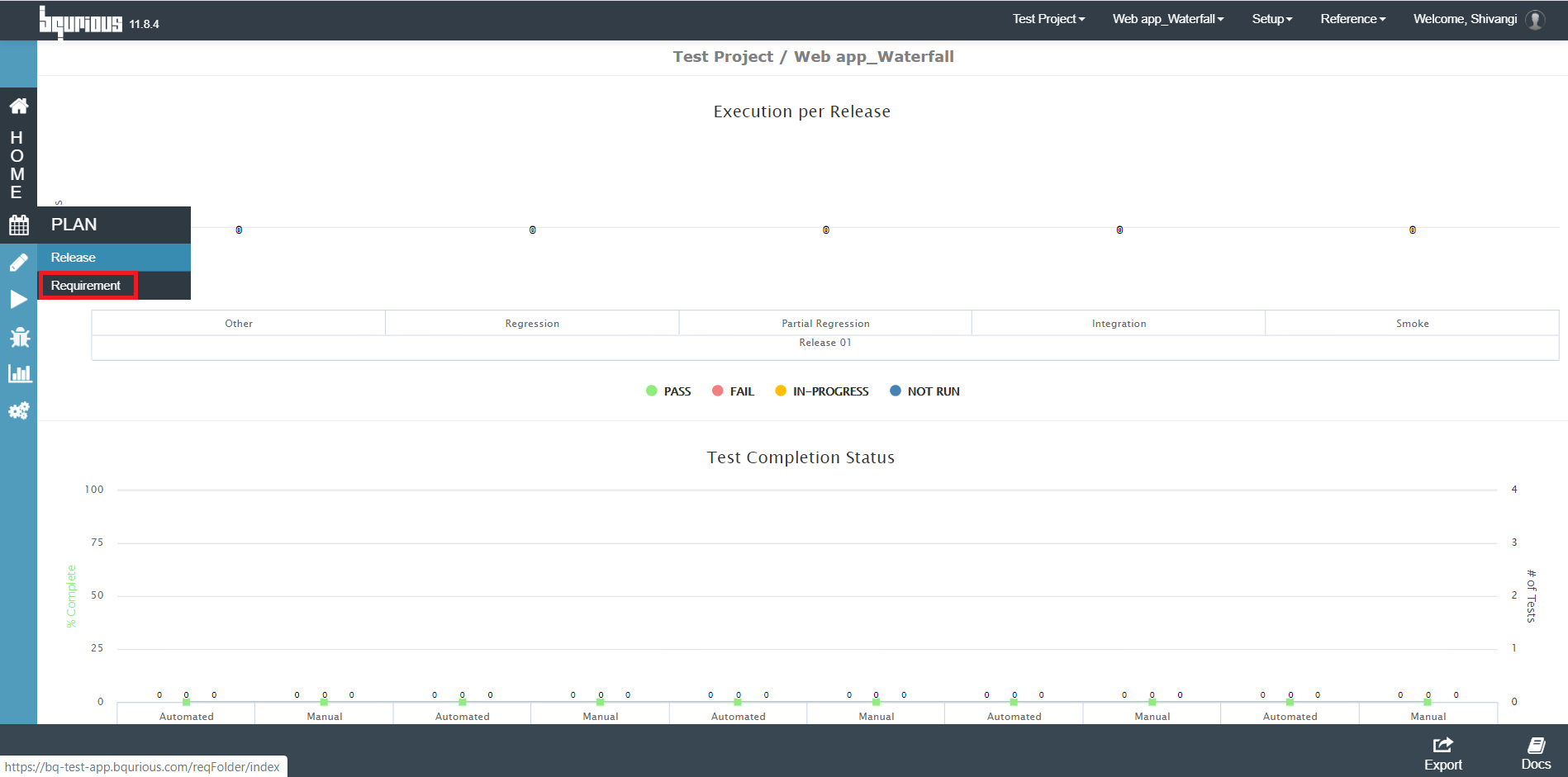
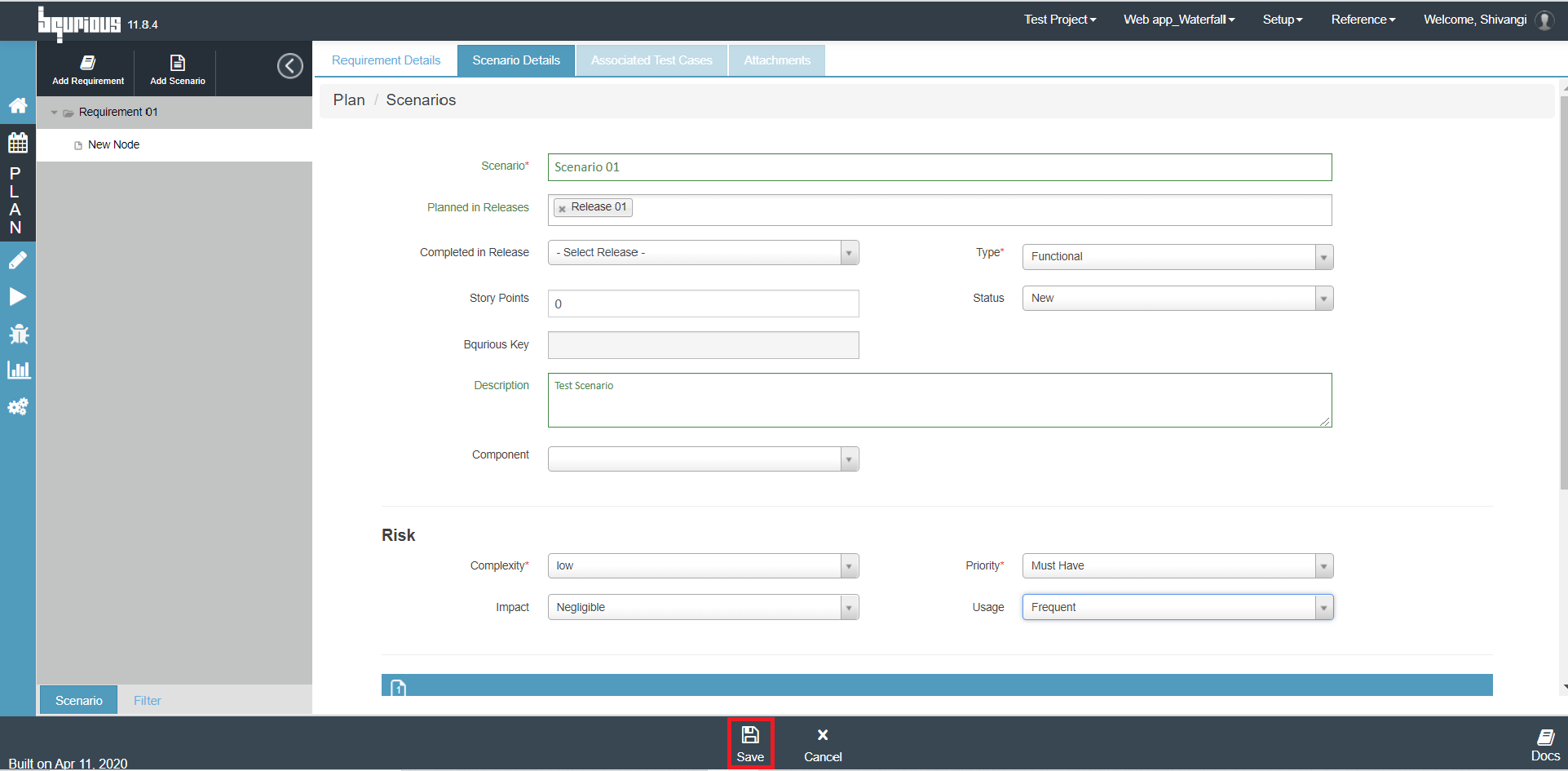
Click on Add Requirement button to create a new Requirement or select an existing Requirement.
Click on Add Scenario button. Scenario Details form will be displayed.
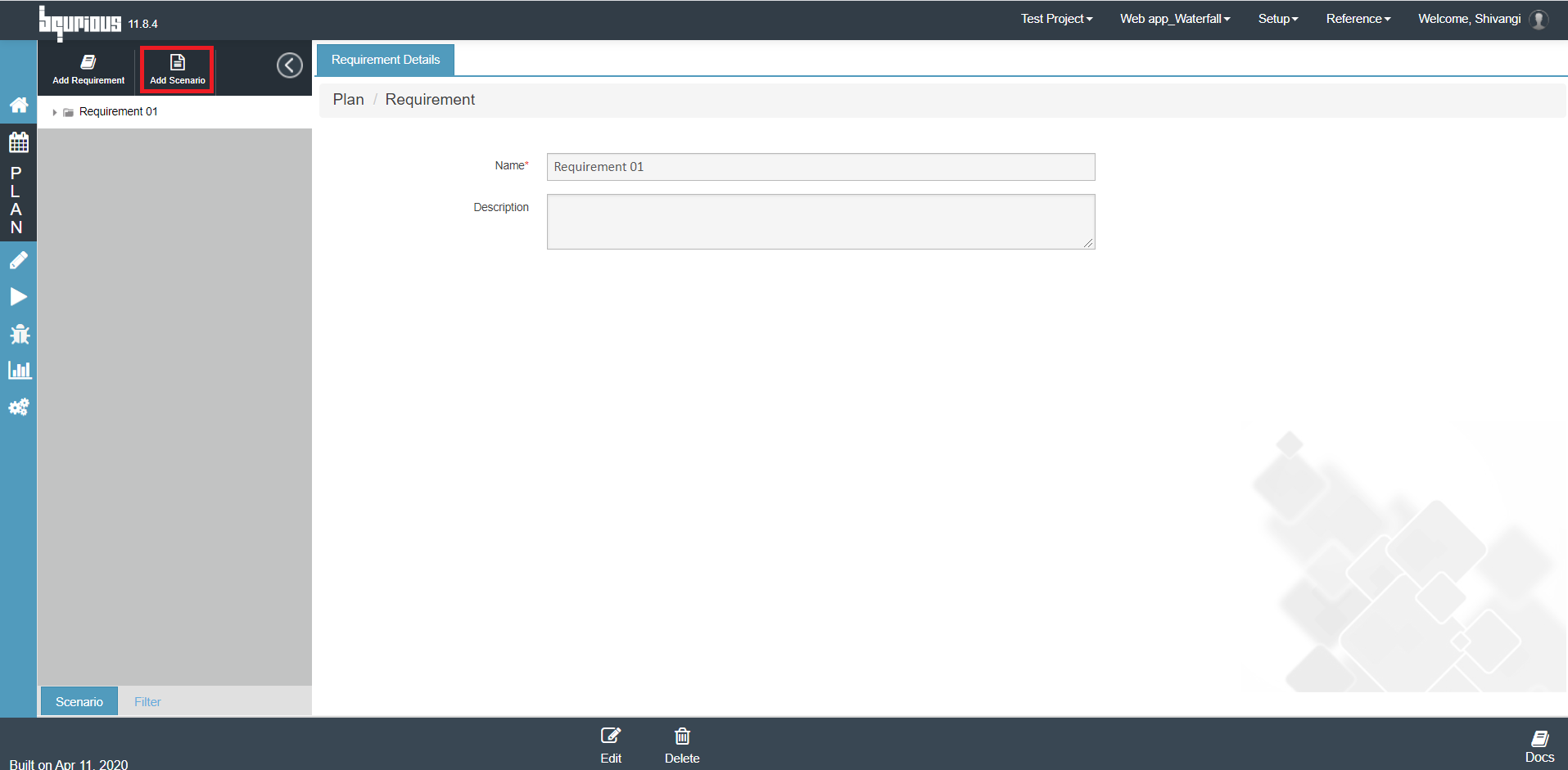
Enter the Scenario meta data.
- Scenario title
- Select sprint from Planned in Release drop down in which the scenario is planned
- Select sprint from Completed in Release drop down in which the scenario is planned to be completed
- Select type of scenario Functional / Non-functional from Type drop down
- Enter description about the scenario
- Define Risk
- Define Pre-Condition <role>, Main Flow <feature>, Alternate Flow <reason> and Post Condition <Expected>
Click on Save button.