Testing with Bqurious > Running Tests > Remote Execution
Executing a single test on multiple browsers
Pre-requisite :
- Test should be added to the suite.
- User should be on the execution screen.
Select the suite.
Select the test.
In the Execution Details section, please enter/select the below details.
- Run Name (Mandatory)
- Executing in Sprint
- Build Number
- Browser instance
- Distributed across Machines
- Execution Tags (if any)
- Execute Tag First
- Email To
Expand the Execution machine(s) section.
For the desired machine, select multiple browsers on which you wish to execute the test case.
For Example : Chrome, MozillaClick on Run Selected button
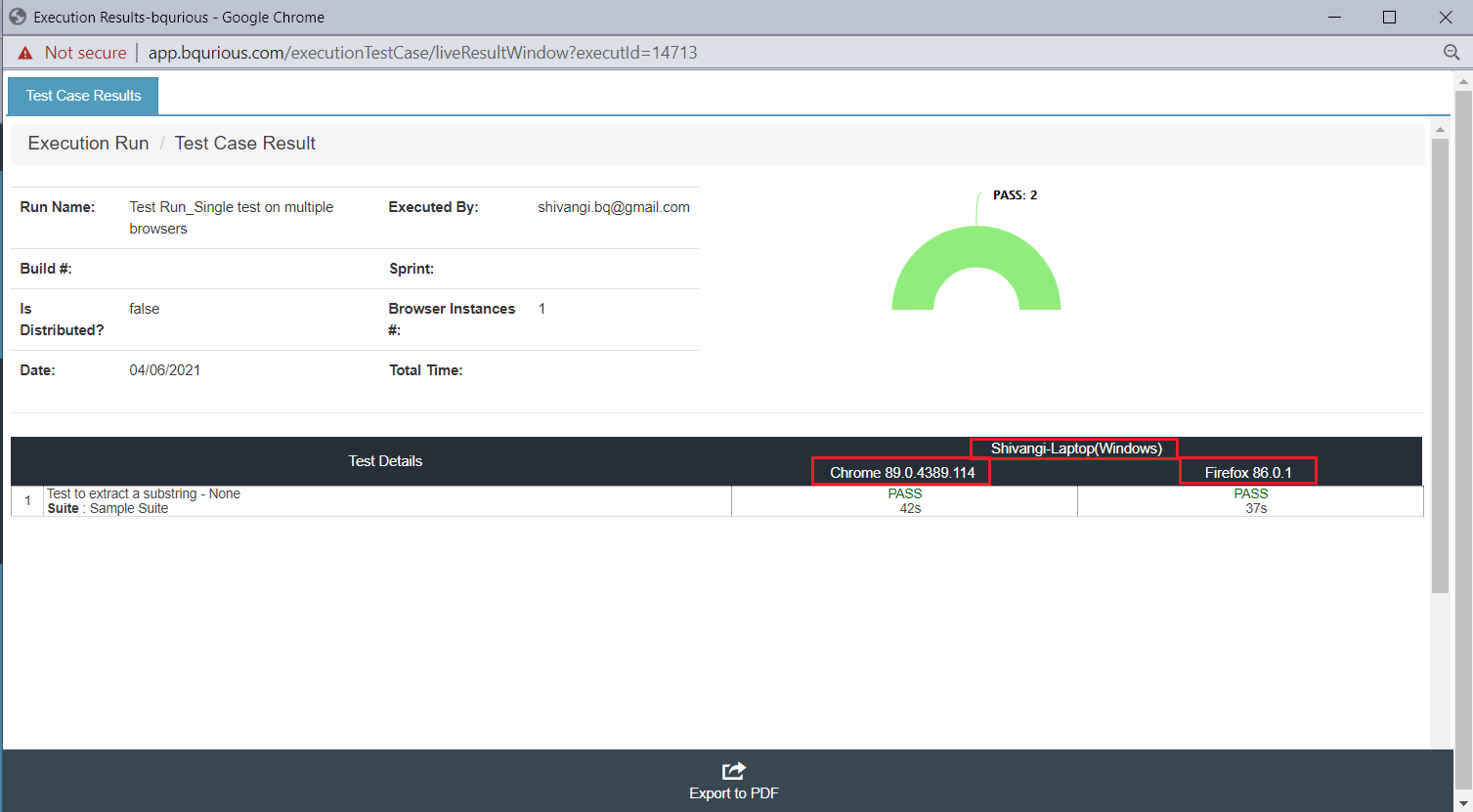
The live execution window will display the test case status for the selected browsers individually.