
Application Lifecycle Management
Issue
Creating an issue in BQ Platform is as smooth as creating a test case.
Steps to create an Issue :
Click on Issues on the left panel.
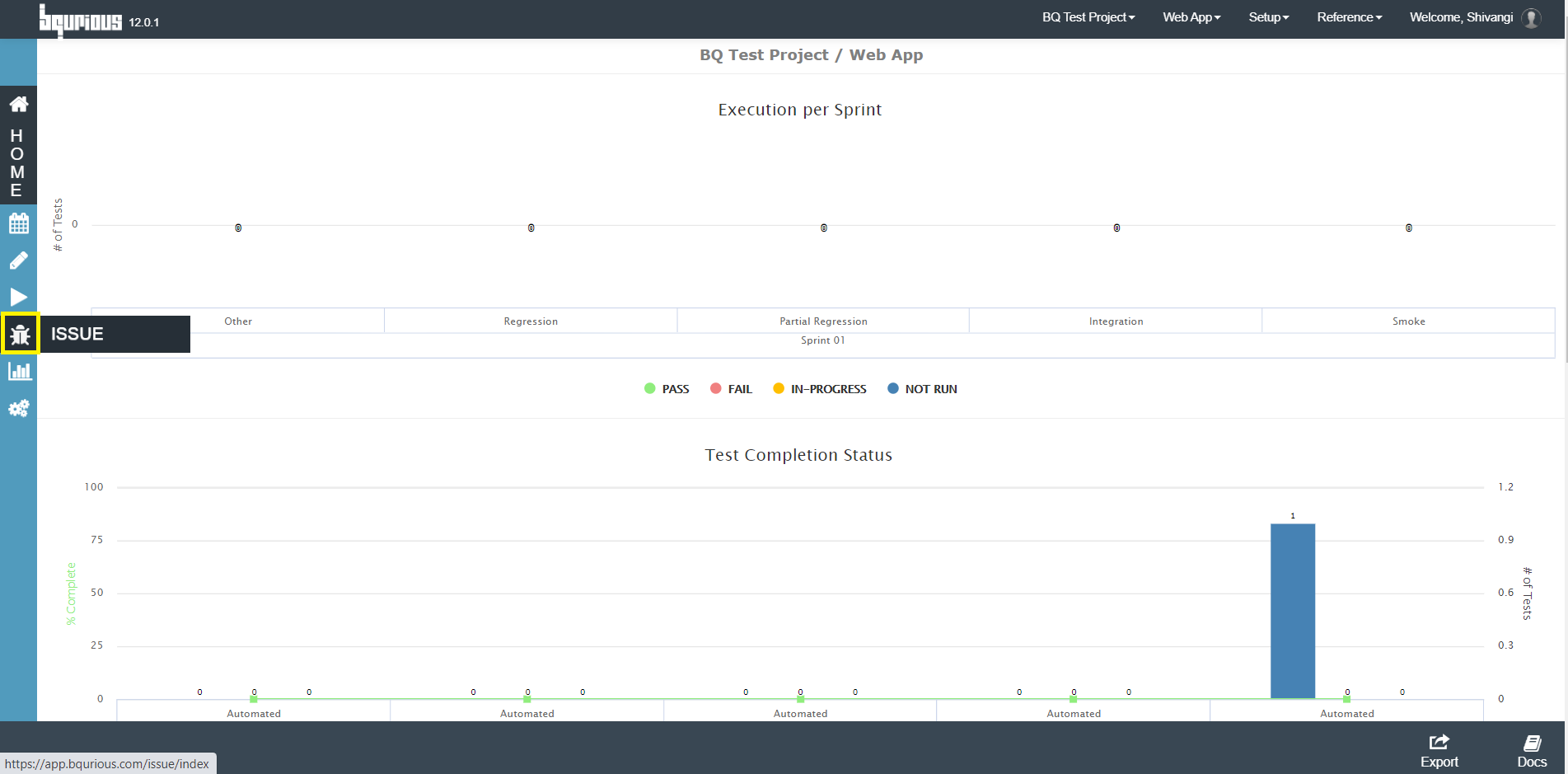
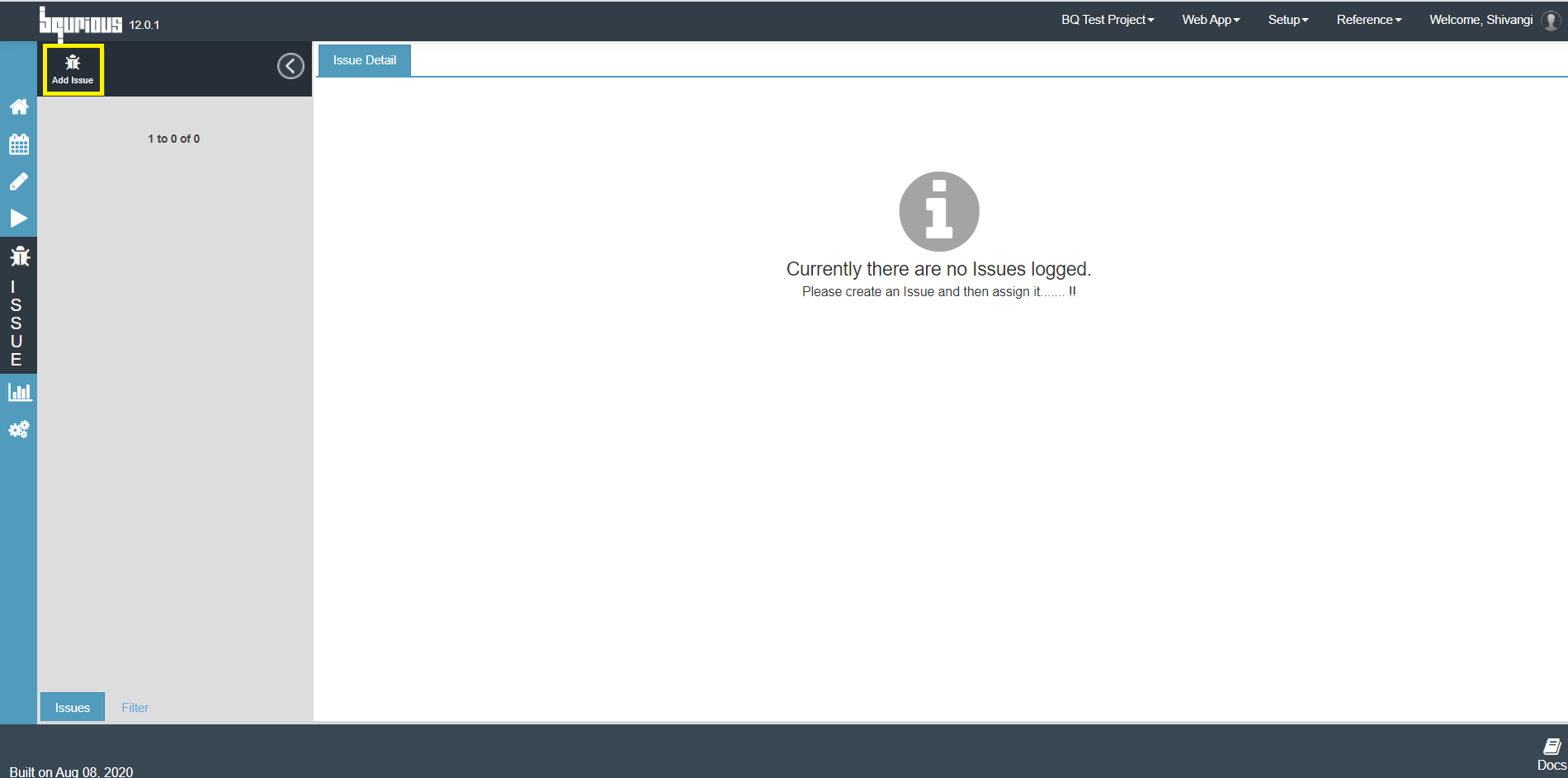
Click on Add Issue icon on top left corner.
Create Issue form will be displayed.
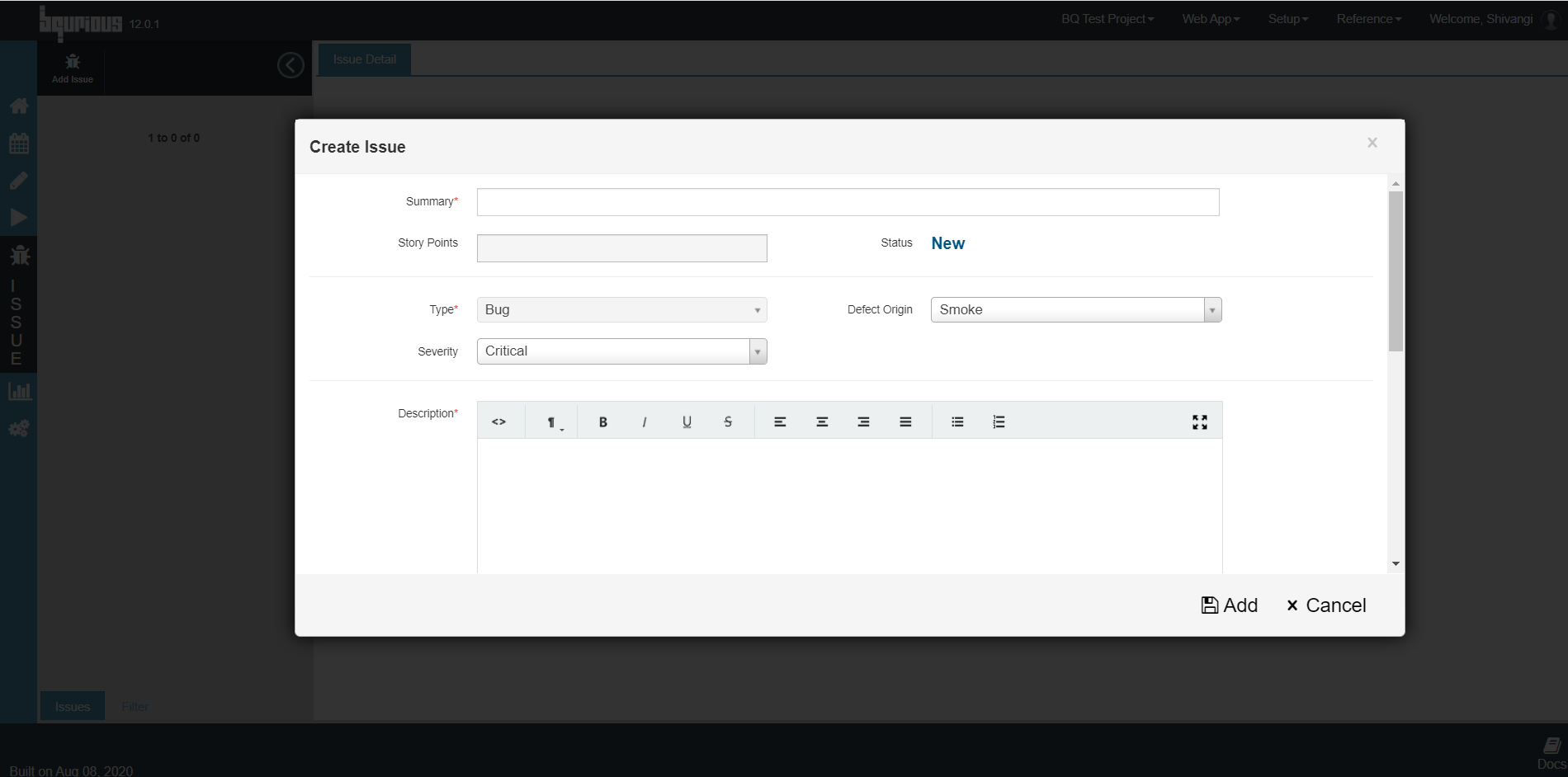
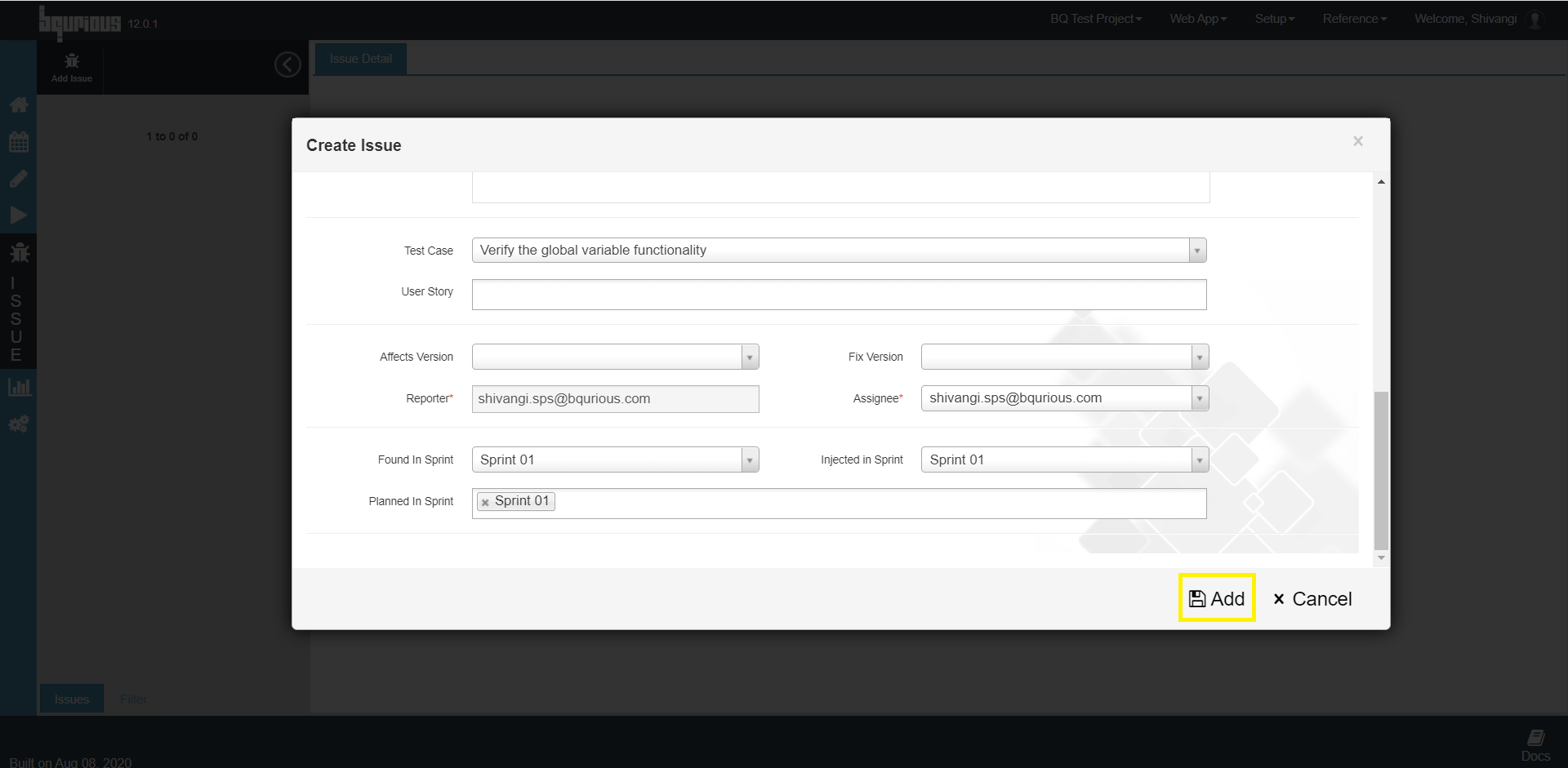
Enter the meta data for :
- Summary : Summary of the Issue
- Defect Origin : Origin of the defect (Smoke, Integration, Functional, Partial_Regression, Regression, Other, Production)
- Severity : Severity of the issue (Critical, Major, Minor, Trivial, Blocker)
- Description : Issue description
- Test Case : Test case affected with the issue
- User Story : User story the test case falls under
- Assignee : Test case to be assigned to
- Found in Sprint : Defect found in sprint
Click on Add.
IMPORTANT
The platform can be integrated with Jira & the Jira issues can be imported to the platform itself.
When integrated with Jira, Import button will be displayed instead of Add Issue button on top left corner.